
A tag today, peace of mind for every walk
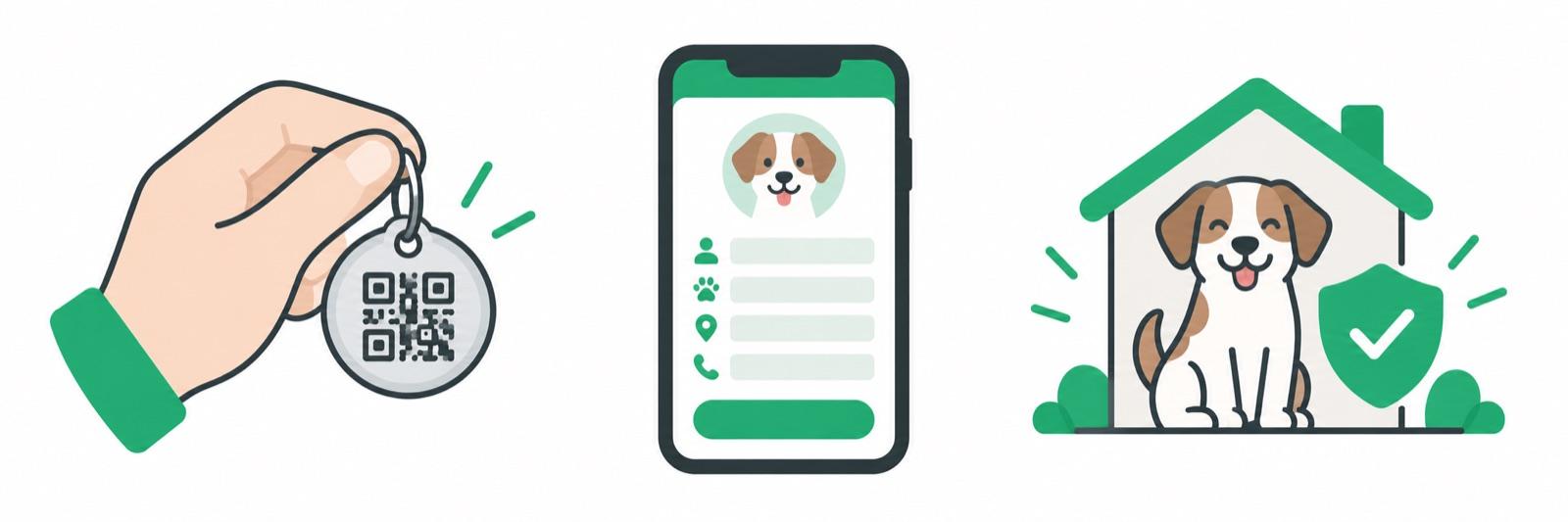
Your tag carries a unique QR code that links to a page only you control. Setup takes minutes.
Order your tag
Choose a smart ID tag from the shop and check out securely. It arrives ready to activate — weatherproof and with no batteries to charge.
Shop tags
Activate & link your pet
Create an account, enter the code printed on your tag, and add your pet’s details plus the contact info you want a finder to see.
- ✓Add your pet's name, photo and notes
- ✓Choose whether to show your phone and/or email
- ✓Update or edit anytime from your account

Stay reachable
If your pet is ever lost, mark them as lost in your account. Anyone who finds them scans the QR code — no app needed — and instantly sees an alert with how to reach you.
See Lost & FoundExactly what a finder sees
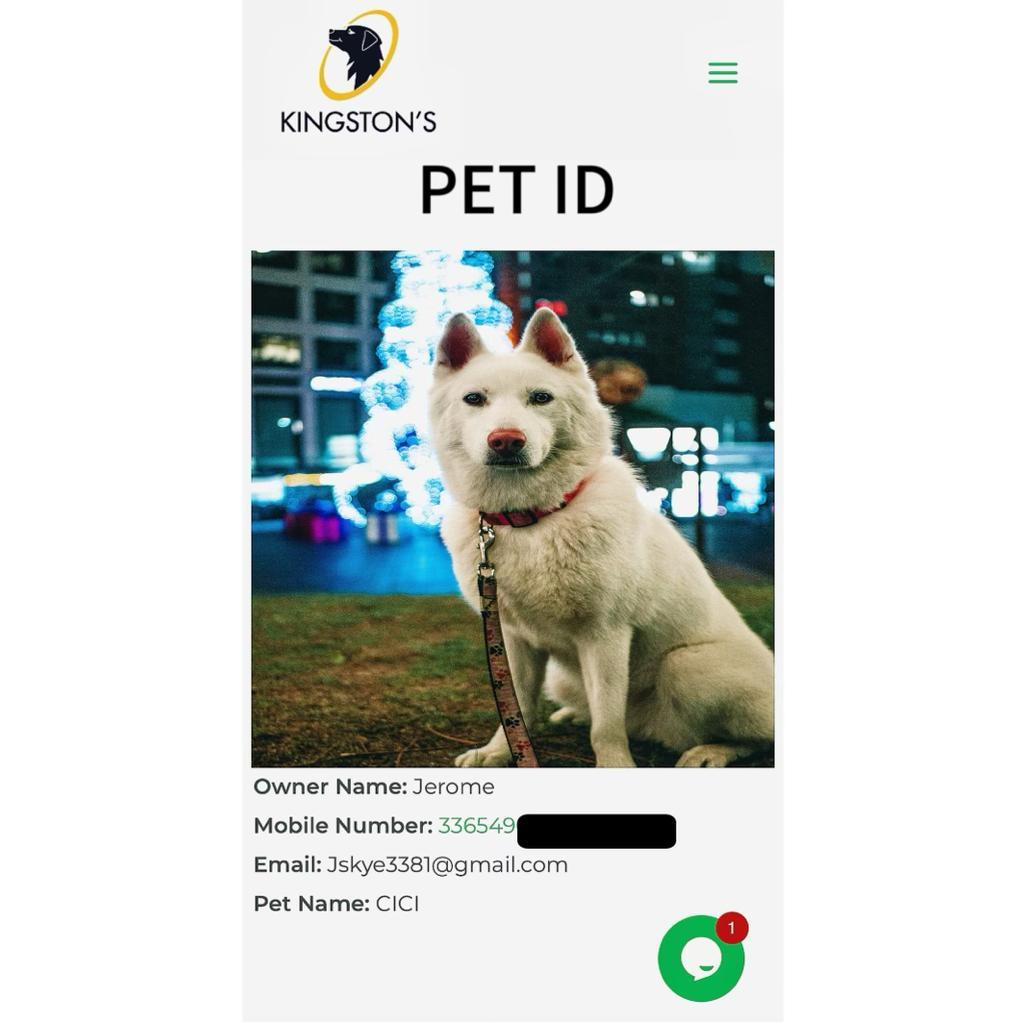
A scan opens one page, and you decide what is on it. Nothing else about you is shared.
- ✓Your pet's name and photo, so the finder knows who they've found
- ✓Only the contact methods you made public — show your phone, your email, both, or neither
- ✓A message button that reaches you without ever revealing your phone number
- ✓Nothing you've hidden: log in, change or switch off any detail, and the next scan shows the new version
Setup FAQ
How do I activate a tag?+
Create a free account, open Activate a tag, and enter the code printed on the back of your tag. Add your pet's name, photo and the contact details you want shown, and the tag is live as soon as you save.
Do I need an app?+
No. A finder scans the QR code with any phone camera — no app, no account, no monthly fees on your side. If you prefer to manage your pets from your phone, the Kingston's Pet app is available for iOS and Android.
How do I change my pet's details later?+
Log in and edit the tag. Your pet's profile and your contact preferences update straight away, so the next scan shows the new details.
I bought a second tag — do I need another account?+
No. Activate it from the same account and give it its own pet profile, or point it at a pet you've already added if you want a spare tag on a second collar or harness.
The code says it's already registered. What now?+
That usually means the tag was activated before — for example a pet you've adopted or a tag someone else set up. Email contact@kingstonspet.com with the code printed on the tag and we'll check it and get it moved over to you.
Ready to give your pet a way home?
Tags start at $2.99, activate in minutes, and never cost a monthly fee.