
Smart ID tags
Durable QR tags for every collar. One scan reunites you with your pet — no app, no subscription, no monthly fees.
A tag from $2.99 does one job well: it turns the stranger holding your dog’s collar into someone who can reach you in under a minute. Pick a tag, activate it in your account, and your pet carries a way home on every walk.
Choose your tag
Every tag carries its own QR code and its own page. The difference is the material and the finish — not the features.
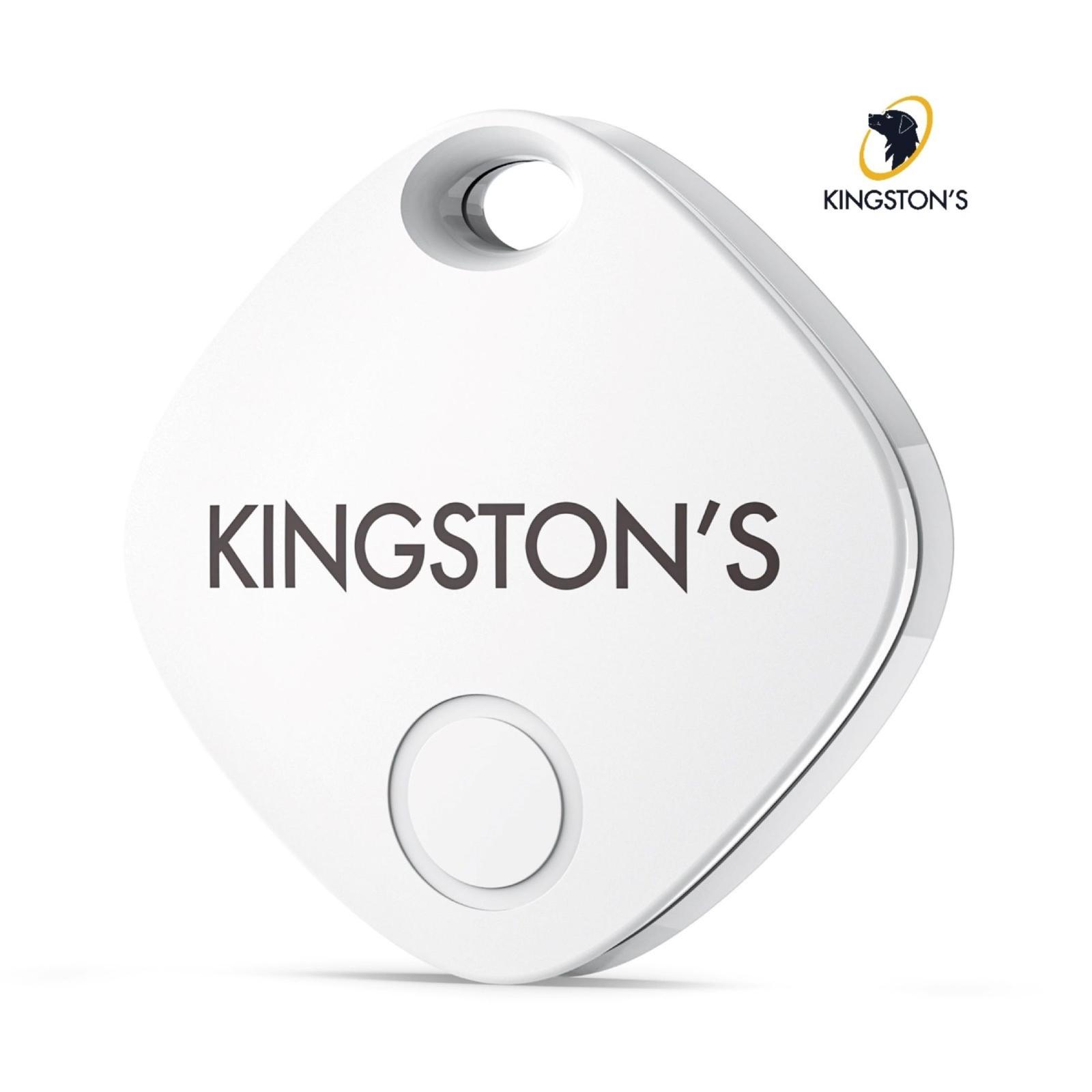
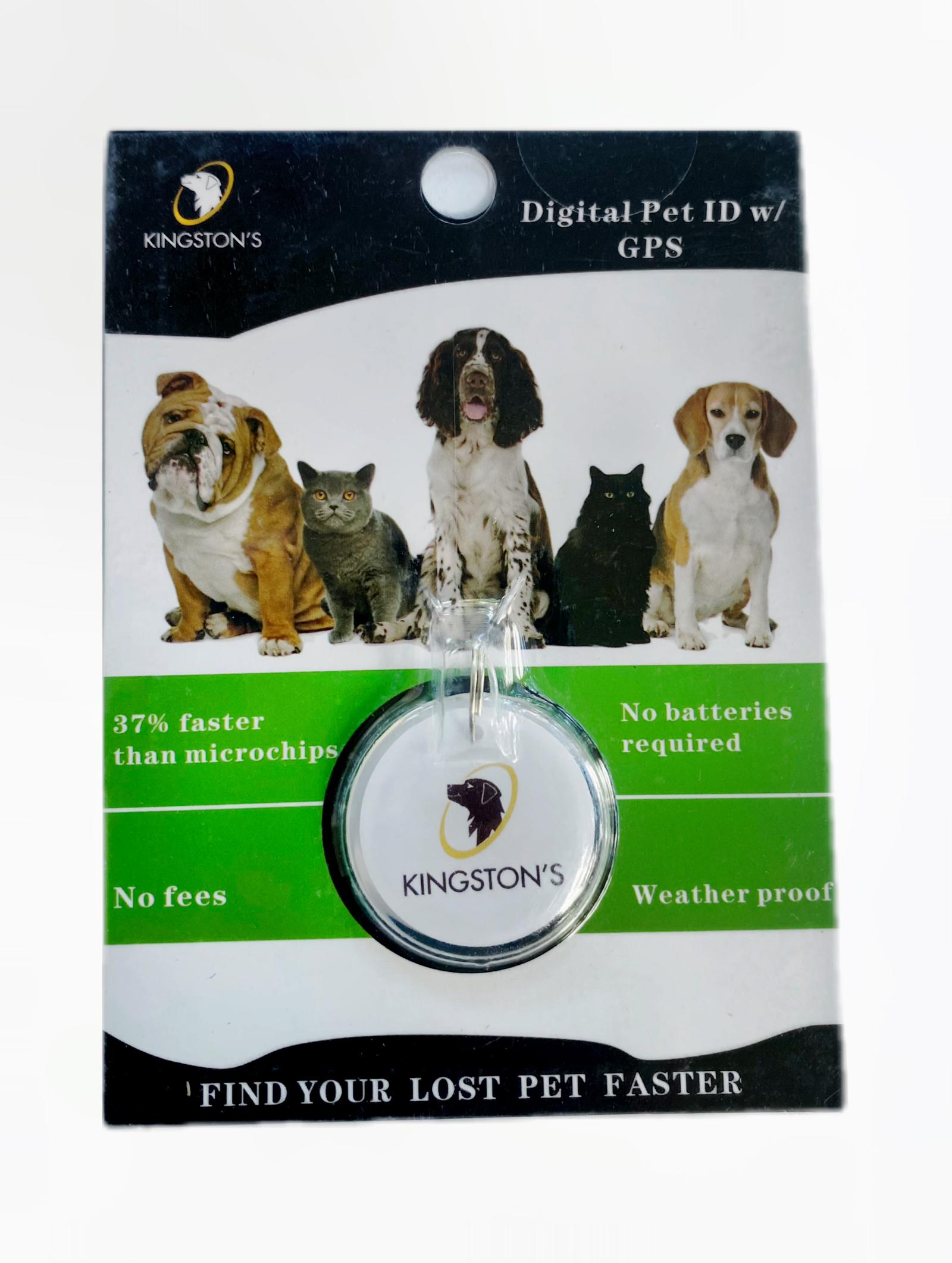
From box to peace of mind
Three steps, and only one of them takes any thought. Most owners are done before the kettle boils.
- 1
Order your tag
Pick a tag and check out. It arrives ready to activate — weatherproof, no batteries, nothing to charge.
- 2
Activate it in your account
Enter the code printed on the tag, add your pet's details, and choose which contact methods a finder can see.
- 3
Stay reachable forever
Clip it on and edit the details whenever life changes. The QR code never needs reprinting.
The tag is the easy part
A Kingston’s tag clips to the collar like any other ID tag. There’s no pairing, no Bluetooth, no signal to lose and no battery to die on the one weekend it matters. The QR code is printed on the tag and points at a page we host for your pet — that is the whole mechanism, and it’s deliberately simple.
Activation is where you make the choices
When you activate, you decide what a stranger is allowed to see: your phone number, your email, both, or neither. You add your pet’s name, species and breed, and any notes a finder would actually need — medication, a nervous streak, “don’t chase her, she’ll come to you.” None of it is required, and all of it is editable later.
Then it just sits there working
The ASPCA estimates that between 11% and 16% of dogs go missing over a five-year period. A tag isn’t something you use — it is something that is already in place on the day a gate is left open. If that day comes, mark your pet as lost in your account and anyone who scans the tag sees the alert straight away.
Smarter than a microchip to use
Works with any phone
A finder just scans the QR — no special reader or vet visit needed.
No batteries
Nothing to charge or replace. It just works.
Weatherproof
Built to last through every walk and every season.
No monthly fees
Pay once. No subscriptions, ever.
Always editable
Update your pet's details and contact info anytime.
You control privacy
Choose exactly what a finder can see.
A microchip is permanent, and we think every pet should have one. But a chip can only be read by a vet or a shelter with a scanner, which means it does nothing for the first few hours — the hours when your pet is standing in a stranger’s kitchen. That’s the gap a QR tag closes. Read the full comparison.
What a finder sees when they scan
No app, no account, no sign-up on their side. Here's exactly what appears on the screen of the person holding your pet.
Scanning the QR code opens one page: your pet’s page. At the top is their name, with their species and breed underneath, so the finder knows immediately that they’ve found someone’s pet rather than a stray. Under that sit the notes you wrote — whatever you decided a stranger would need to know in the first thirty seconds.
Below the notes is the part you control most tightly: the contact options. If you switched on your phone number, there’s a tap- to-call button. If you switched on your email, there’s a button for that. If you switched on neither, the page says so and points the finder at the message form instead.
That message form is the piece people underestimate. The finder types where they found your pet and hits send, and the message reaches you — without your number, your email or your address ever appearing on their screen. It means you can hand out a way to contact you without handing out your personal details, which is the honest answer to “isn’t a public tag page risky?”
And if you’ve marked your pet as lost in your account, the page leads with a clear alert instead of a friendly greeting — plus any reward you’ve chosen to offer. You can turn all of it off again, or disable the tag entirely, from your account.
On the finder’s screen
- ✓Your pet's name, species and breed
- ✓The notes you wrote — meds, temperament, vet
- ✓A LOST alert and any reward, if you've flagged them missing
- ✓Only the contact methods you chose to make public
- ✓A message button that reaches you without revealing your number
- ✓Nothing else — no address, no account details, no order history
Every line above is a setting, not a default you’re stuck with. Sign in, open the tag, change it, save — the page updates the moment you do.
See Lost & FoundBefore you order
The things people actually email us about, answered plainly.
Do I need an app to use a tag?+
No. Tags work with any phone's camera — no app and no subscription required. Whoever finds your pet points their camera at the QR code, taps the link that pops up, and your pet's page opens in their browser. Kingston's does have free iOS and Android apps if you'd like to manage your pets from your phone, but neither you nor the finder needs one for a tag to work.
Are there monthly fees?+
No. There are no monthly or hidden fees to use a tag. You pay once for the tag itself — from $2.99 for the Order a smart Pet tag, or $8.99 for the Kingston's Pet tag — and the tag page, the privacy controls and the finder message form stay active with nothing further to pay. There's no renewal notice waiting for you a year from now, which matters: a tag is only useful if it's still working on the day you need it.
How do I activate my tag?+
Log in, go to Activate a tag, enter the code printed on your tag, and add your pet's details and the contact info you'd like a finder to see. That's the whole process — it takes a couple of minutes and the page is live the moment you save it. If someone scans an unactivated tag, they'll see a note saying it isn't set up yet, so it's worth doing the day your tag arrives rather than leaving it in a drawer.
What if I change my phone number?+
Log in to your Kingston's account and update your pet's details any time. The change is live instantly, with no fee. The QR code printed on the tag never changes — it points at your pet's page, not at a number — so a new phone, a new email address or a move across town means editing one field, not buying a new tag. This is the main practical difference from an engraved tag, where a new number means a new tag.
Is the tag waterproof?+
The tags are weatherproof and need no batteries. They're made to stay on the collar through rain, snow, mud, the lake and the bath, and there's nothing inside to charge, replace or forget about. A QR code is just printed contrast, so as long as the code is intact and readable, a phone can scan it. It's still worth checking the tag now and then the way you'd check a collar buckle.
What size collar does it fit?+
Our tags hang from a collar the same way a traditional engraved ID tag does, so they suit any collar or harness that takes a standard tag — flat nylon, leather, or a cat's breakaway collar. For the exact dimensions and attachment details of a specific tag, check that product's page before you order, or email contact@kingstonspet.com and we'll tell you straight.
Can I use one tag for two pets?+
No — each tag should have its own pet. A tag's code links to a single pet profile, so a finder who scans it sees one pet's name, notes and contact options rather than a list to guess from. If you have several pets, you can keep every one of them and every tag under one Kingston's account and edit them all from the same place.
What if my pet loses the collar?+
Then the tag goes with it — that's exactly why a microchip is good backup. The tag gets your pet home fast in the common case, when a neighbor or a passer-by picks them up; the chip covers the rarer one, when the collar is gone and the pet reaches a vet or shelter. The two aren't rivals. The ASPCA found that only 6% of dog owners found their lost pet at a shelter, which is why we'd rather your pet never has to get that far.
Something we haven’t covered? Email contact@kingstonspet.com or read the full help center.
Give your pet a way home
American Humane estimates that around 10 million pets are lost or stolen in the US each year. We’ve been serving pet families since 2021, and the tag that helps is the one already on the collar — not the one you meant to order. Pick yours, activate it tonight, and forget about it until the day it matters.